

Apple Type C to C Charge Cable – 1m (60W USB-C) | Cellora BD
Original price was: 2,990.00৳ .1,890.00৳ Current price is: 1,890.00৳ .
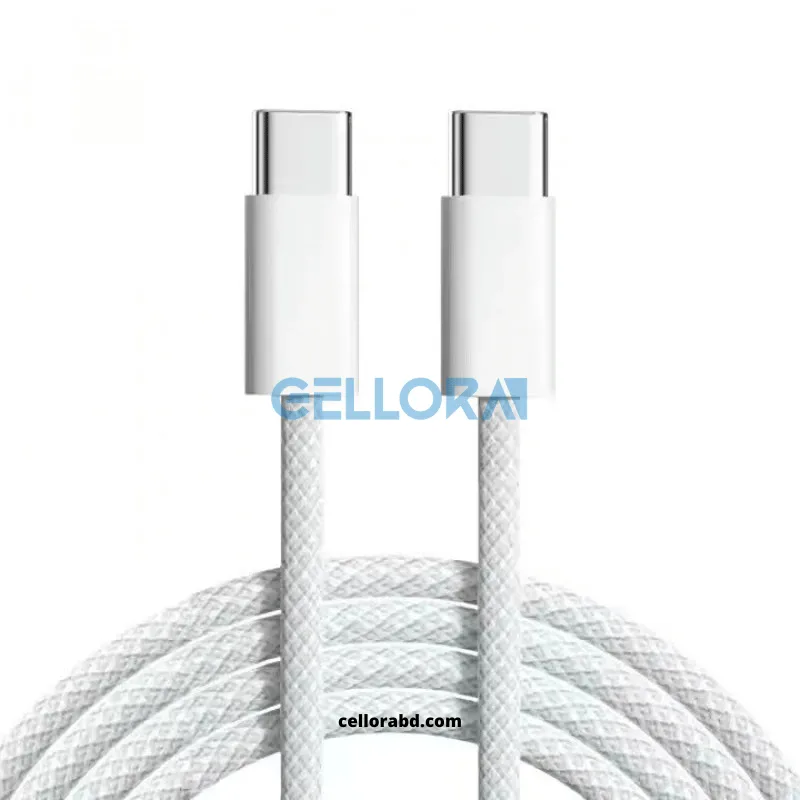
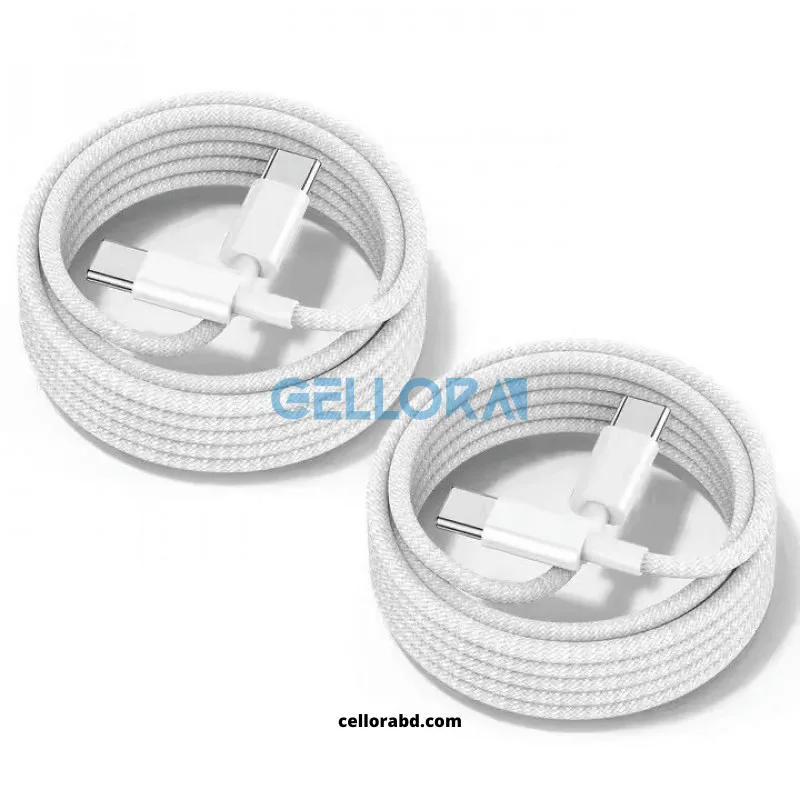
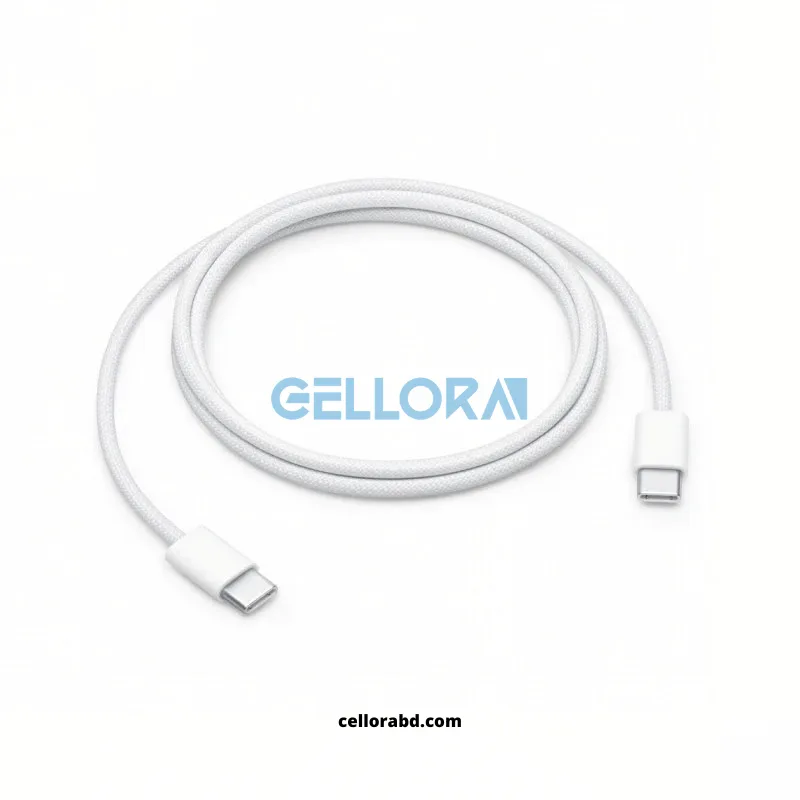
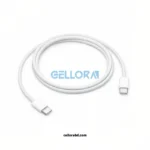
The Apple Type C To C Charge Cable – 1m is a woven USB-C to USB-C cable rated for up to 60W charging and USB 2 data transfer. It charges and syncs every USB-C iPhone, iPad, and Mac, plus most Android phones and laptops with USB-C. Available at Cellora BD, Jamuna Future Park, with nationwide delivery across Bangladesh.
If your new iPhone, iPad, or MacBook only ships with a USB-C cable, replacing it with anything less than a proper charge cable is where most charging problems start. The Apple Type C To C Charge Cable – 1m is a woven, USB-C-to-USB-C cable built for exactly this: one cord that charges and syncs across nearly every current Apple device, plus most modern laptops and Android phones that also moved to USB-C.
The headline spec, verified on Apple’s own product page, is straightforward: it supports charging up to 60 watts and transfers data at USB 2 speeds. That 60W ceiling matters more than it sounds. An iPhone only pulls about 20-27W even on its fastest charge curve, so this cable comfortably exceeds what any current iPhone needs. It’s also enough to charge an iPad Pro or a MacBook Air at a meaningful speed, though Apple’s larger MacBook Pro models (14-inch and 16-inch) are rated for higher wattage and pair better with the 240W 2-meter version when charging from a high-output brick.
Why does the cable’s wattage rating matter separately from the charger? Because a charger can only push as much power as the cable connecting it allows. A 20W wall adapter paired with this 60W cable charges exactly the same as a 20W adapter paired with a 240W cable — the charger is the bottleneck, not the cable. Where the cable’s rating starts to matter is on the other end: pairing a 65W or 96W USB-C laptop charger with a cable rated below its output can throttle charging speed or, with cheap uncertified cables, create a safety risk. This 60W cable is correctly matched to phone, tablet, and smaller-laptop charging; it is not the right choice for a 16-inch MacBook Pro on a 140W charger, which needs a higher-wattage cable instead.
Compatibility spans three device families rather than just iPhone. On the iPhone side, every USB-C iPhone Apple has shipped — from the iPhone 15 lineup through the current 16 and 17 series — uses this exact cable type for charging and wired syncing, since Apple dropped Lightning from new iPhones starting with the iPhone 15. On the iPad side, every iPad Pro, iPad Air, and iPad mini built with USB-C charges from this cable, which by now is most iPads sold in the last several years. On the Mac side, MacBook Air, MacBook Pro, Mac mini, iMac, and Mac Studio all use USB-C for either charging or Thunderbolt-based connections, so a spare woven USB-C cable earns its place in any home with more than one Apple device.
Authenticity is where buyers get burned most often on Type-C cables, more so than with Lightning, because counterfeit USB-C cables are cheap to produce and visually convincing. Genuine Apple USB-C cables carry an engraving on the cable jacket, roughly 7 inches (about 18 cm) from one connector, reading “Designed by Apple in California” followed by an assembly location such as China or Vietnam and a unique serial number. This engraving appears on only one side of the cable — the other connector has no text. The braid itself should feel evenly woven with no loose threads, and the metal connector housing should sit flush against the cable with no visible gaps. A cable missing the engraving, missing the serial number, or with a serial number shorter than expected is not a genuine Apple cable, regardless of what the packaging claims.
Data transfer on this cable is capped at USB 2 speeds, which is fine for backups, Finder-based transfers, and CarPlay, but noticeably slower than the USB 3 or Thunderbolt cables Apple sells separately for large video file transfers from an iPhone Pro model. Buyers who regularly move large ProRes video files off an iPhone should treat this as a charging-first cable rather than a high-speed transfer cable.
For everyday use — a spare charging cable for the office desk, the car, a second bedroom, or a travel bag — this is the cable Apple itself ships in the box with new USB-C iPhones and iPads, which is the simplest way to judge whether it’s the right one to buy again.
4. Technical Specifications
(Only specs confirmed on Apple’s own product page for this cable type; Cellora’s exact unit wattage/material was not separately confirmed and is not claimed beyond what Apple publishes for this cable model.)
5. Key Features
-
Woven cable construction for better tangle and wear resistance than plain rubber cables.
-
Reversible USB-C connectors on both ends — no wrong-way insertion.
-
Rated to 60W, comfortably above what any current iPhone draws while charging.
-
Same connector type used across nearly all recent iPhone, iPad, and Mac models.
-
Doubles as a data-sync cable for backups and CarPlay via USB 2.
6. Compatibility
(Model names only, per Apple’s official compatibility list for the 60W USB-C Charge Cable.)
iPhone: iPhone 17 Pro Max, iPhone 17 Pro, iPhone 17, iPhone 17e, iPhone Air, iPhone 16 Pro Max, iPhone 16 Pro, iPhone 16, iPhone 16 Plus, iPhone 16e, iPhone 15 Pro Max, iPhone 15 Pro, iPhone 15, iPhone 15 Plus
iPad: iPad Pro 13-inch (M4), iPad Pro 12.9-inch (6th, 5th, 4th, 3rd generation), iPad Pro 11-inch (M4, 4th, 3rd, 2nd, 1st generation), iPad Air 13-inch (M3, M2), iPad Air 11-inch (M3, M2), iPad Air (5th generation), iPad Air (4th generation), iPad (A16), iPad (10th generation), iPad mini (A17 Pro), iPad mini (6th generation)
Mac: MacBook Air (13-inch and 15-inch, M3, M2), MacBook Air (M1), MacBook Air (Retina, 13-inch, 2020), MacBook Air (Retina, 13-inch, 2018-2019), MacBook (Retina, 12-inch, Early 2015-2017), MacBook Pro (14-inch and 16-inch, 2024), MacBook Pro (14-inch and 16-inch, 2023), MacBook Pro (13-inch, M2, 2022), MacBook Pro (14-inch and 16-inch, 2021), MacBook Pro (16-inch, 2019), MacBook Pro (13-inch, M1, 2020), MacBook Pro (13-inch, 2020), iMac (24-inch, M1, 2021), iMac (Retina 4K, 21.5-inch, 2019), iMac (Retina 5K, 27-inch, 2019-2020), iMac Pro (2017), Mac Studio (2023), Mac Studio (2022), Mac mini (2024), Mac mini (2023), Mac mini (M1, 2020), Mac mini (2018), Mac Pro (2023), Mac Pro (2019)
Also compatible: Apple Vision Pro (M2), AirPods Pro 2, AirPods 4, AirPods Max
7. What’s in the Box
1 x Apple Type C To C Charge Cable (1m)
8. Warranty Information
Returns are accepted within 48 hours of delivery if the item arrives damaged, defective, or wrong, or if it’s unused in original packaging. Returns can be made by courier or in person at the Jamuna Future Park store. Full terms: cellorabd.com/warranty-policy
9. Authenticity Information
Check for an engraving roughly 7 inches from one connector reading “Designed by Apple in California,” an assembly location (e.g., China or Vietnam), and a unique serial number — genuine only, one side of the cable, never both. The braid should be evenly woven with no loose threads, and the metal connector housing should sit flush with no gaps. Cellora BD is a physical retailer at Jamuna Future Park, Dhaka (Level 4, Block B, Shop 4B-022C1-C2), reachable at info@cellorabd.com.
10. Frequently Asked Questions
Does the Apple Type C to C Charge Cable support fast charging?
Yes. It supports charging up to 60 watts, which is more than enough for any current iPhone (which tops out around 20-27W) and sufficient for an iPad Pro or MacBook Air when paired with a compatible USB-C power adapter of matching or higher wattage.
Which iPhones use a USB-C to USB-C cable instead of Lightning?
Every iPhone from the iPhone 15 series onward — including the iPhone 15, 15 Plus, 15 Pro, 15 Pro Max, the full iPhone 16 lineup, and the iPhone 17 series — uses USB-C for charging and wired data transfer. iPhone 14 and earlier models use Lightning instead.
What is the difference between the 60W and 240W Apple USB-C cables?
The 60W 1-meter cable is rated for phones, tablets, and smaller MacBook Air/Pro charging. The 240W 2-meter cable is built for higher-output chargers used with larger MacBook Pro models. A higher-wattage cable is backward compatible and charges a phone the same as a 60W cable, but the reverse is not true for high-wattage laptops.
How can I tell if a USB-C to USB-C cable is a genuine Apple cable?
Genuine Apple USB-C cables have text engraved on the cable jacket about 7 inches from one connector, reading “Designed by Apple in California,” an assembly location, and a serial number. This engraving appears on only one side of the cable. Missing or shortened text, or an ungraven cable, indicates a non-genuine cable.
Can this cable transfer data as well as charge?
Yes, but at USB 2 speeds, which covers normal syncing, backups, and CarPlay. It is not the high-speed USB 3 or Thunderbolt cable Apple sells separately for fast video transfers off an iPhone Pro model.

Related products
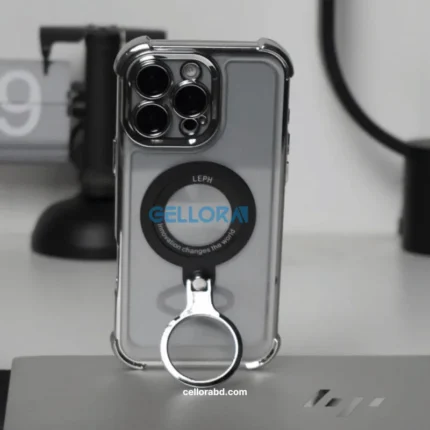
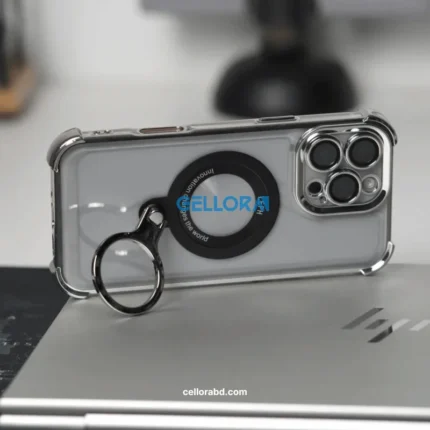
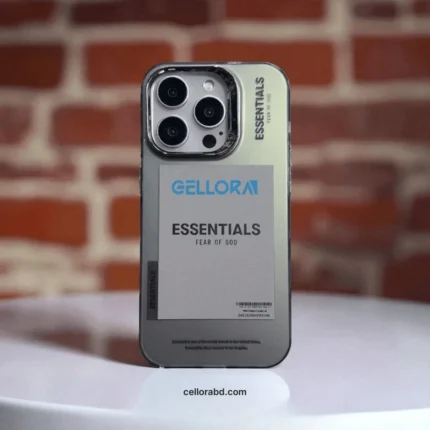
Fear of God Inspired Trendy iPhone Case | Cellora BD
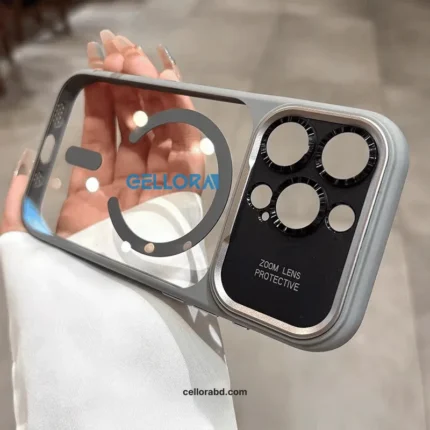
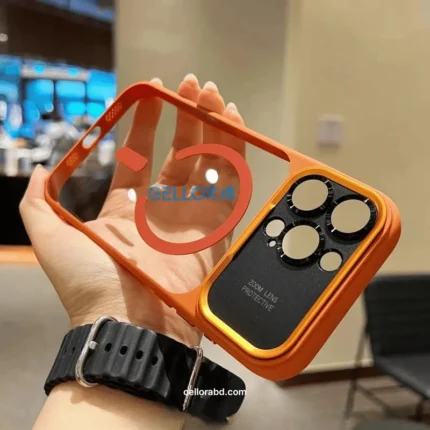
Premium Quality Metal Camera Bump Crystal Case for iphone
Soft Heat Dissipation Apple Logo Hole MagSafe Stand Case for iPhone
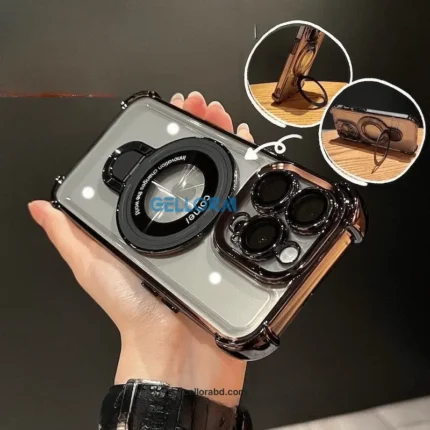
Strong Impact Shockproof MagSafe Case for iPhone | Cellora BD
Protect your iPhone with the Strong Impact Shockproof MagSafe Case from Cellora BD. Built for everyday use, this protective iPhone case combines a shock-resistant design with MagSafe compatibility for magnetic chargers and accessories. Choose your exact iPhone model before ordering for delivery across Bangladesh.















Reviews
There are no reviews yet.